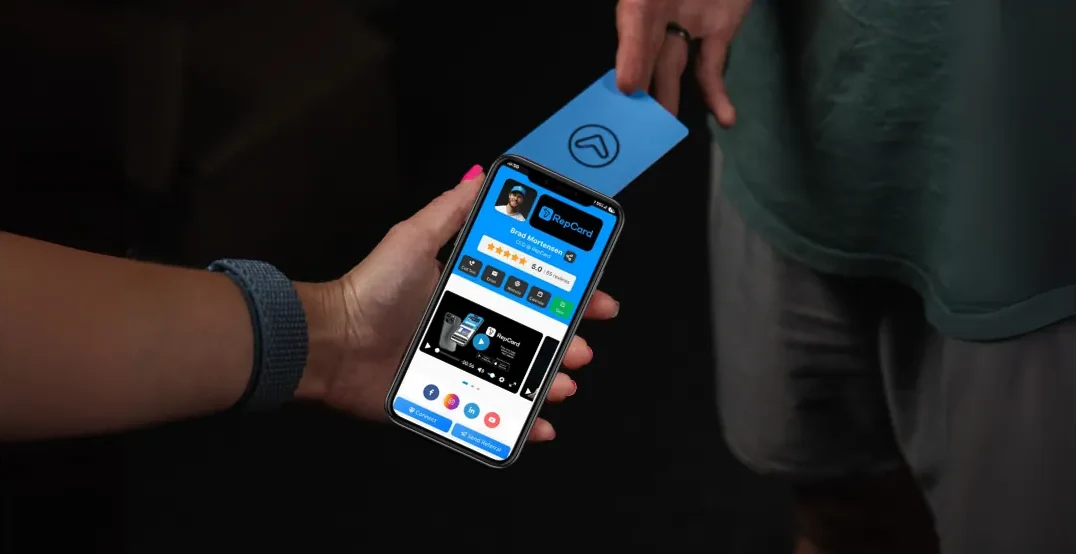
TL;DR
We evaluated 9 digital business card platforms on what actually matters: sharing methods, analytics, CRM integration, team management, and pricing. RepCard is the best pick for sales teams that need follow-up automation and rep-level analytics. HiHello is the strongest free plan for individuals. Blinq has the smoothest experience and the most reviews. Mobilo is the cheapest paid tier at $4 per user per month.
Ten billion paper business cards get printed in the U.S. every year. Around 88% get thrown out within a week, and that number comes from the printing industry itself, not from a company selling digital cards.
The digital business card market hit $238.75 million in 2026 and is growing 12.2% a year. The shift is happening. Picking the right platform is the hard part.
We looked at 9 platforms from a team perspective, not just solo networking. Every one was scored on CRM integration, follow-up automation, team management, and analytics depth, because those are what break first when you roll cards out to 20 or 50 reps.
Whether you're a rep who wants a clean card or a manager deploying to a whole org, this guide will get you to the right answer.
Table of Contents
- How We Evaluated These Platforms
- Quick Comparison Table
- The 9 Best Digital Business Card Platforms
- 1. RepCard · 2. HiHello · 3. Blinq · 4. Wave Connect · 5. Popl
- 6. Mobilo · 7. Uniqode · 8. V1CE · 9. Dot
- Sharing Methods Compared
- CRM and Integrations Compared
- Analytics Compared
- Sales Team Features Compared
- Free Plans Compared
- What Features Should a Digital Business Card Have?
- How Much Do Digital Business Cards Cost?
- Are Digital Business Cards Worth It?
- NFC vs. QR Code: Which Is Better?
- How to Choose the Right Platform for Your Team
- Frequently Asked Questions
How We Evaluated These Platforms
We scored every platform on six criteria, weighting team management and sales integration above personal networking polish. That's where most comparison posts stop short.
- Scope. Whether the platform is a digital business card or a sales system the card sits inside. These get compared as if they're the same purchase and they aren't.
- Sharing methods. QR, NFC tap, text, email, Apple and Google Wallet, direct link. More options means more flexibility in the field.
- Engagement tracking. View notifications, link clicks, time on card, contact saves. You need to know who actually looked.
- CRM integration. Native sync with Salesforce, HubSpot, Zoho, Dynamics, and whether it's a real connector or a Zapier workaround. Sales teams lose up to 20% of their week to manual data entry.
- Team management. Centralized admin, consistent branding, bulk card creation, role-based permissions.
- Design and branding. Custom colors, logos, layouts, photo and video support.
- Pricing. Free plan limits, per-user cost at both monthly and annual billing, minimum seat counts, and hardware costs.
Pricing and ratings in this guide were verified in July 2026 against each vendor's own pricing page and G2, Capterra, Trustpilot, and app store listings. Where a vendor's marketing number conflicts with the third-party source, we cite the third-party source and say so.
Quick Comparison Table
All prices are USD per user per month. "Annual" is the discounted rate when billed yearly, which is what most vendors advertise in large type.
| Platform | Best For | Free Plan | Monthly | Annual | Min Seats | Sharing | Native CRM |
|---|---|---|---|---|---|---|---|
| RepCard | Field sales teams | Yes | From $15 | From $12 | 1 | NFC + QR | HubSpot, Salesforce, Zapier |
| HiHello | Individuals | Yes, 4 cards | $8 | $6 | 1 | QR + link | Team tier only |
| Blinq | High-volume networking | Yes, 2 cards | $9.99 | $7.33 | 1 | NFC + QR | Business tier, 20+ CRMs |
| Wave Connect | Budget teams | Yes | $9 | $7 | 1 | NFC + QR | Yes, on Pro |
| Popl | Event lead capture | App only | Not published | Not published | n/a | NFC + QR | Salesforce, HubSpot |
| Mobilo | Cheapest paid tier | No, trial | Not published | $3 | 1 | NFC-first | Zapier only |
| Uniqode | QR-led campaigns | Yes, 5 leads | Annual only | $6 | 1 | QR-first | Business+ only, 50 seats |
| V1CE | Premium NFC cards | No, 30-day trial | ~$66 (£49.99) | No annual option | 1 | NFC-first | Included |
| Dot | One-time purchase | Yes, with device | $15 | $12 | 1 | NFC-first | Growth tier only |
Three things this table makes obvious. Mobilo, Uniqode, and Dot Teams have no monthly billing at all, so their headline price is annual-commitment only. V1CE has no annual option and no free tier. And Popl is the only platform that publishes no pricing anywhere, quoting only over a demo call.
The 9 Best Digital Business Card Platforms
The right platform comes down to whether you're one person or a team. Individuals should optimize for a clean card and a usable free plan, where HiHello and Blinq lead. Teams should optimize for CRM sync, admin control, and what happens after the share, which is where RepCard, Popl, and Wave separate from the pack. Here's all nine.
1. RepCard
Best for: Field sales teams that need digital business cards, follow-up automation, and team management in one platform.
| Founded | 2018, Mesa, Arizona |
| Scale | 162,000+ reps, 3.6M cards sent |
| App rating | 4.9 on the App Store across 2,500+ ratings |
| Free plan | Yes |
RepCard isn't a digital business card app with sales features bolted on. It's a Sales Operating System built for field sales, and the digital business card is the front door to a full selling workflow.
When a prospect taps or scans a RepCard, the platform logs every interaction: views, link clicks, time on card, contact saves. That data drives lead scoring, so you know who's warm. From there, automated follow-up sequences fire by text and email based on what the prospect actually did, not a timer.
Managers get rep-level analytics, territory assignment, and org-wide card control. Cards stay on-brand across every rep. And because RepCard also runs recruiting, onboarding, training, and sales competitions, most teams that adopt it drop 3 or 4 other subscriptions.
That's the honest way to read RepCard's pricing. At the individual level it sits alongside Blinq and Dot. At the team level you're not buying a card, you're buying the stack the card plugs into: training, competitions, canvassing, recruiting, and team comms in one system with one set of data behind it. No other platform in this guide does any of that. See the full feature comparison for what that actually covers.
Key features: Real-time engagement tracking · automated text and email sequences · lead scoring from card behavior · leaderboards and competitions · territory and canvassing tools · training library · recruiting pipeline · review collection and referral links in-card
| Pros | Cons |
|---|---|
| Only platform pairing digital cards with a full sales OS | More depth than a rep needs for a basic card |
| Engagement data feeds lead scoring automatically | Less NFC hardware variety than dedicated card makers |
| Built for team rollout, not retrofitted for it | Team tiers cost more per seat than single-purpose card apps |
| Only platform with training, canvassing, competitions, and recruiting built in | Smaller third-party review base than the category leaders |
| Replaces 3 to 4 separate subscriptions | Overkill if you only need a card |
Pricing: Free plan available. Paid plans start at $12 per user per month billed annually, with team tiers that add competitions, canvassing, training, and API access. See full RepCard pricing.
2. HiHello
Best for: Individual professionals who want the strongest free plan in the category.
| Founded | 2018, by Manu Kumar (also co-founded CardMunch and Carta) |
| Funding | $10M disclosed. Series A led by Foundry Group with Lux Capital |
| Scale | 400,000+ companies, 180+ countries |
| Ratings | 4.6 on G2 across 910 reviews · 4.9 on the App Store across 43K ratings |
HiHello has the most generous free tier here: four digital cards, five scans a month, email signature, virtual backgrounds, and Wallet support at no cost. Most competitors give you one or two cards.
It also does something no one else on this list does. HiHello refuses to sell NFC hardware on principle, stating it won't charge "an inflated price for something available at a minimal cost on third-party sites." You write your card to any NTAG215 tag yourself. If you're deploying to 30 reps, that's several hundred dollars you don't spend.
The tradeoff is depth. Team features exist but stay basic next to platforms built for sales operations, and CRM integration is locked to the Business tier.
Key features: 4 free cards · virtual backgrounds for video calls · contact management · no app required for recipients · email signature integration · Wallet passes
| Pros | Cons |
|---|---|
| Best free plan in the category at 4 cards | CRM integration requires the 5-seat Business tier |
| Sells no NFC hardware, so no upsell markup | No automated follow-up sequences |
| Very fast setup, clean interface | No sales analytics like leaderboards or scoring |
| 43K App Store ratings at 4.9 | No Capterra listing at all |
| Strongest security posture in the set | Free plan caps scans at 5 per month |
Pricing: Free forever (4 cards, 5 scans/month). Professional $8/mo monthly or $6/mo billed annually ($72/yr). Business $5/user/mo billed annually, minimum 5 seats. Enterprise custom at 101+ users.
3. Blinq
Best for: High-volume networking. The most-reviewed platform in the category.
| Founded | Side project 2017, company proper January 2021. Melbourne, Australia |
| Funding | ~US$28M. US$25M Series A, May 2025, led by Touring Capital with HubSpot Ventures |
| Scale | 4M users, 500,000 companies |
| Ratings | 4.8 on G2 across 9,077 reviews, the most in the category · 4.9 on Capterra across 702 |
Blinq is the category leader by review volume and it isn't close. 9,077 G2 reviews is more than every other platform in this guide combined, several times over. The experience is polished, sharing is fast, and the Wallet integration puts your card one tap from the home screen.
Two things to know. First, Blinq advertises "4.9 across 150,000+ reviews" on its homepage. That's a cross-platform aggregate spanning the App Store, Google Play, G2, Capterra, and Trustpilot, not any single site's count. The G2 figure is 4.8 across 9,077.
Second, Blinq's own G2 reviews flag recurring friction: 529 mention QR code issues, 512 mention cross-platform sharing problems, and 243 mention it being expensive. On 9,077 reviews that's a small share, but it's worth knowing before you roll it out.
Blinq is built for networking, not structured sales workflows. No automated follow-up, no lead scoring, no territory management.
Key features: Apple and Google Wallet · home screen widget · AI Notetaker · universal contact scanner · 20+ native CRM connectors on Business · team branding controls
| Pros | Cons |
|---|---|
| Most-reviewed platform in the category by far | No automated follow-up campaigns |
| Smoothest user experience of any platform here | No lead scoring or territory management |
| HubSpot Ventures backing and a US$25M Series A | CRM sync requires the Business tier, 5-card minimum |
| Free plan includes 2 cards and unlimited sharing | 529 G2 reviews cite QR code issues |
| SOC 2 Type II certified | Marketing quotes a 150K cross-platform review aggregate |
Pricing: Free (2 cards). Premium $9.99/mo monthly or $7.33/mo annually. Business $6.99 per card monthly or $4.99 annually, minimum 5 cards (so a $24.95/mo floor). Enterprise custom at 100+. NFC cards $19.99 PVC, $24.99 wood, $33.99 metal.
4. Wave Connect
Best for: Cost-conscious teams that want CRM sync without a team plan.
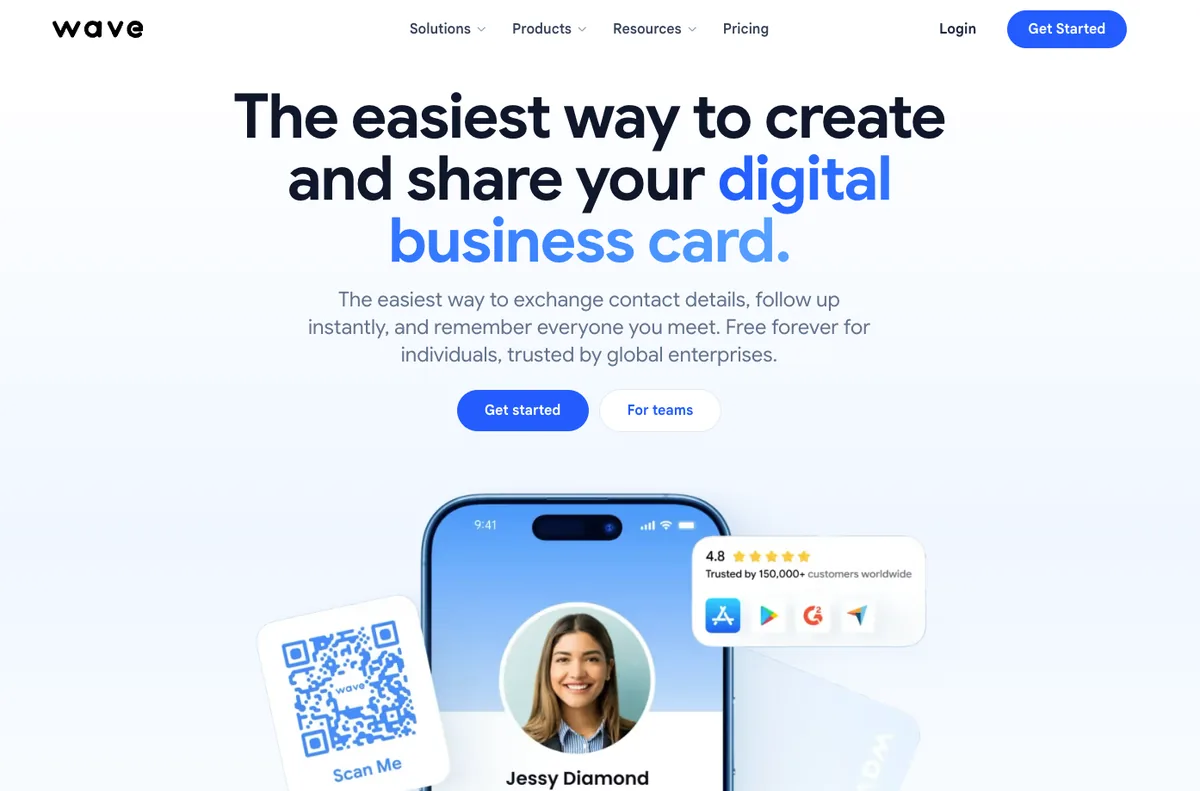
| Founded | 2020, Canada. George El-Hage (CEO) and Max-Antoine Clément (CTO) |
| Funding | None publicly disclosed |
| Scale | 150,000+ professionals, 170+ countries |
| Ratings | 4.6 on G2 across 961 reviews |
Wave's free plan is the only one in this guide that includes advanced analytics. Everyone else paywalls it. You also get unlimited sharing, unlimited contacts, Wallet passes, and a lead capture form at no cost.
The bigger deal is where CRM sync sits. Wave turns it on at the $7 individual Pro tier. Blinq, HiHello, and Uniqode all gate CRM behind team plans with seat minimums. If you're a solo rep who needs HubSpot sync, Wave is the cheapest legitimate route.
Team features are solid without being deep: admin platform, bulk edit, templates, content locking, shared lead dashboard.
Key features: Analytics on the free tier · CRM sync from the $7 individual plan · no-app sharing · lead capture forms · custom domains on Teams
| Pros | Cons |
|---|---|
| Only free plan that includes advanced analytics | No automated text or email campaigns |
| CRM sync on the individual tier, not gated to teams | No sales gamification or leaderboards |
| Cheapest team minimum at 3 seats | Only 18 Capterra reviews |
| 961 G2 reviews at 4.6 | Says SOC 2 "compliant," never "certified" |
| Wide NFC hardware range | Free plan carries Wave branding |
Pricing: Free (unlimited sharing plus analytics). Pro $9/mo monthly or $7/mo annually. Teams $7/user monthly or $5/user annually, minimum 3 seats. Enterprise at 100+. NFC cards $23 standard, $42 custom, $53 metal.
5. Popl
Best for: Event lead capture at scale, if you're willing to get on a sales call for pricing.
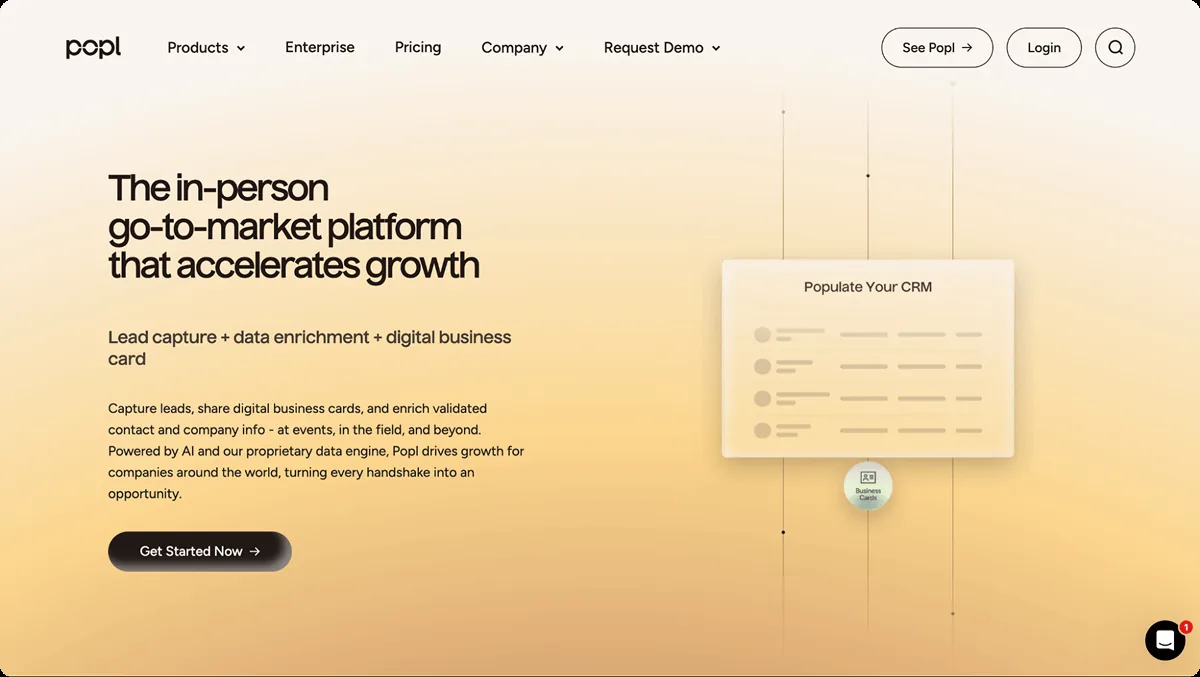
| Founded | 2020. Y Combinator Winter 2021 |
| Funding | ~$2.2M to $3M disclosed. Y Combinator, Cathexis Ventures |
| Scale | 2.5M users, 150 countries, 5,000+ teams |
| Ratings | 4.6 on G2 across 6,393 reviews · 4.7 on Capterra across 249 |
Popl calls itself an in-person go-to-market platform. The lead capture is genuinely strong: a universal badge scanner, a paper card scanner, automatic enrichment from LinkedIn, and sync into Salesforce, HubSpot, or 5,000+ apps through Zapier.
Two caveats worth weighing.
Popl publishes no pricing at all. Their FAQ says outright: "we quote pricing over a meeting instead of publishing it on our website." Every other platform in this guide except Enterprise tiers shows you a number.
And cost is the dominant complaint theme in Popl's own G2 reviews. Across four separate tags, more than 1,000 reviews cite pricing problems: 379 say the tap card is too expensive, 243 flag additional costs, 224 call the subscription cost burdensome for small business, and 169 specifically object to CRM being locked behind a paywall. That's from a 6,393-review base, so roughly one in six reviewers raises cost.
Key features: Universal event badge scanner · paper card scanner · AI enrichment · Salesforce and HubSpot sync · 5,000+ Zapier apps · subteam management with separate CRM configs
| Pros | Cons |
|---|---|
| Best event lead capture in the category | Publishes no pricing, demo call required |
| Automatic LinkedIn enrichment on every contact | 1,015+ G2 reviews cite cost complaints |
| 6,393 G2 reviews, second-most in the set | Free plan is app-gated and limited |
| Y Combinator backed, 2.5M users | Advanced features are web dashboard only |
| No per-seat charge in their stated model | SOC 2 type never specified publicly |
Pricing: Not published. Popl quotes over a demo. They state the model is all-inclusive with no per-seat, per-license, or per-scan fees, and that unlimited users and leads are included in one quote.
6. Mobilo
Best for: Teams that want the cheapest paid tier with analytics included.
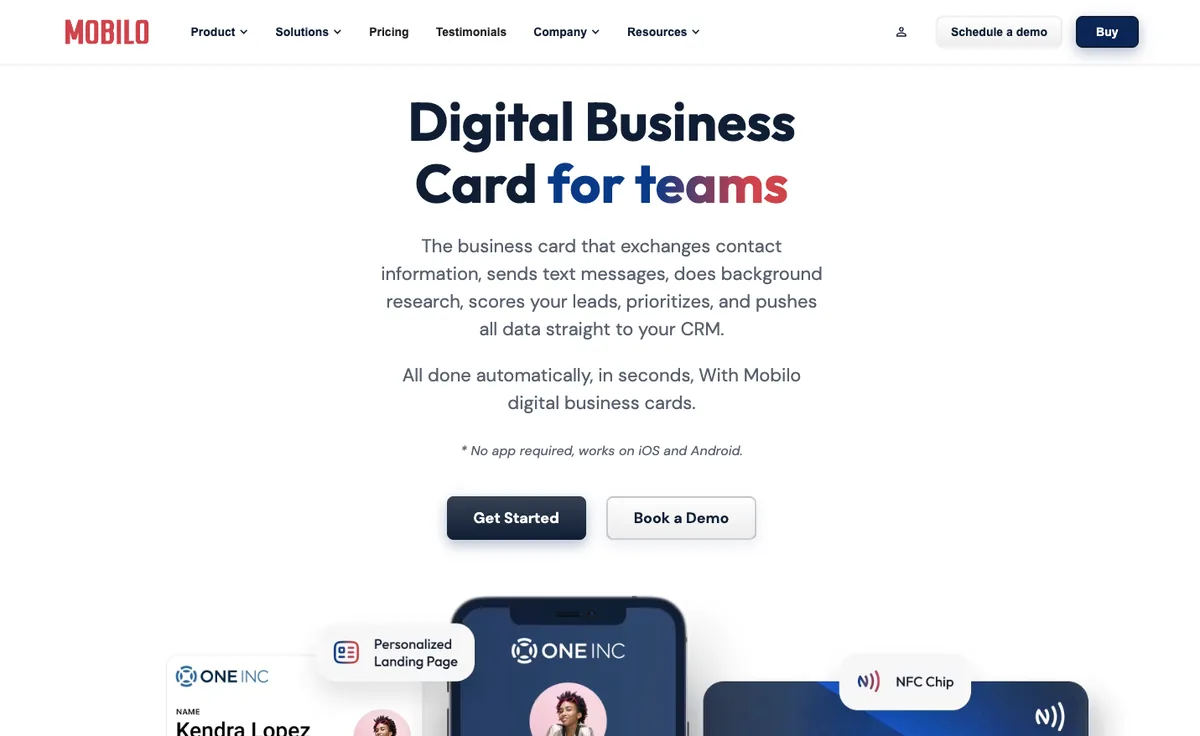
| Founded | 2019. Lulu Systems, Inc., New York, plus Amsterdam and Perth offices |
| Funding | $4.1M seed, July 2023, DeepWork Capital lead with TMT Investments |
| Scale | Mobilo publishes several different customer counts across its own pages, from 10,000 companies to 59,732 businesses |
| Ratings | 4.0 on Trustpilot across 296 reviews · 2.3 on Capterra across 3 |
Mobilo has the lowest paid entry price in this guide at $3 per month, and it doesn't cripple that tier. Analytics, 6,000 Zapier integrations, unlimited leads, lead enrichment, a paper card scanner, branded QR, and custom lead forms are all included at $3. Most competitors charge double that for less.
The physical cards are the other draw: plastic, wood, and metal, syncing on tap to Salesforce, HubSpot, and Dynamics.
Two things to check before committing. Mobilo publishes no monthly billing option, so every price is an annual commitment. And no native CRM connector is named anywhere on their site. CRM integration runs through Zapier, which works but passes less data than a native sync.
Key features: Analytics and integrations on the cheapest tier · 6,000 Zapier integrations · paper card scanner · HR directory sync on Business · physical cards in plastic, wood, and metal
| Pros | Cons |
|---|---|
| Cheapest paid tier in the category at $3 | No monthly billing, annual commitment only |
| Analytics and integrations included at entry price | No native CRM connector, Zapier only |
| SOC 2 Type 2 certified | Only 1 G2 review and 3 Capterra reviews |
| Physical cards in three materials | Capterra rating is 2.3 out of 5 |
| Offices in three regions | Publishes conflicting customer counts |
Pricing: No free tier, 90-day Pro trial with card purchase. Pro $3/mo billed annually. Teams $4/mo billed annually. Business $5/mo billed annually. Cards list at $19.99 plastic, $39 custom, $59 wood, $139 metal, frequently discounted.
7. Uniqode
Best for: Teams already running QR campaigns who want cards on the same dashboard.
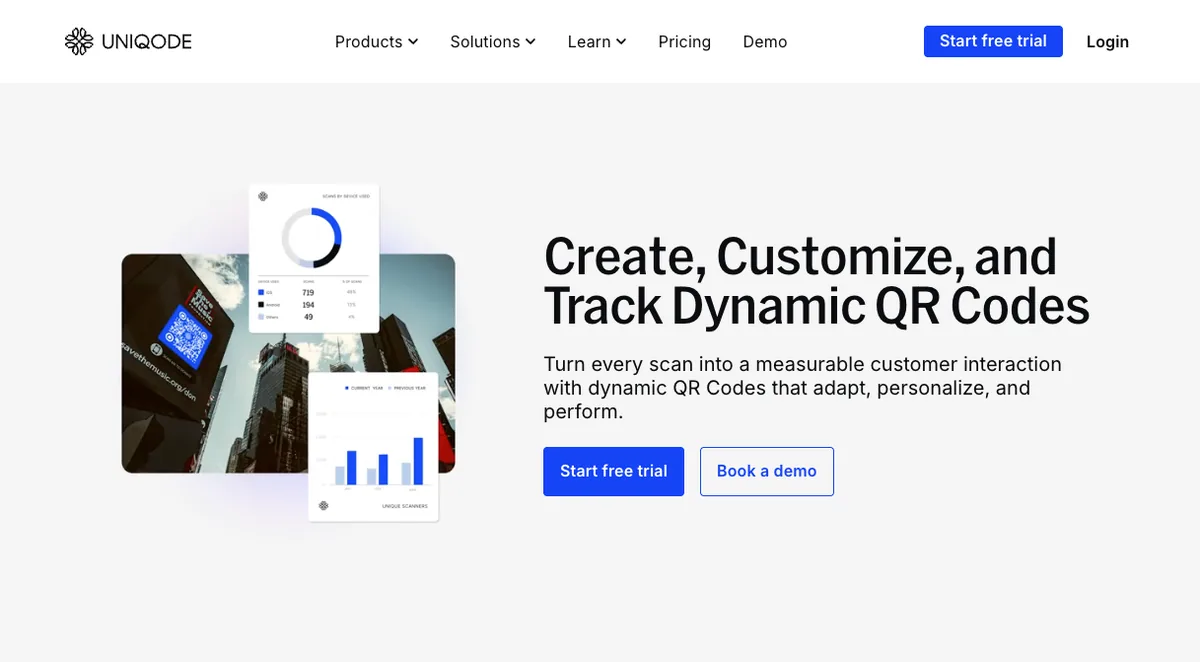
| Founded | Roots as MobStac 2009, Beaconstac ~2019, rebranded Uniqode January 2024 |
| Funding | $25M Series A, January 2023, led by Telescope Partners with Accel |
| Scale | 50,000 businesses claimed, 204M+ QR scans |
| Ratings | 4.8 on G2 across 37 reviews for the Cards product |
Uniqode is a QR platform first and a card platform second. The QR customization is the best here: colors, logos, custom shapes, and scan analytics that go deeper than anyone else's.
Read the review numbers carefully. Uniqode's seller page shows 612 G2 reviews, but that's three products stacked: the QR Code Generator (540), Uniqode Cards (37), and The QR Code Generator (35). The digital business card product has 37 reviews. Any comparison quoting 540 or 612 for Uniqode's card product is citing a QR tool.
The sharpest catch is CRM. Salesforce, HubSpot, and Microsoft Entra integration sit on Business+, which carries a 50-user minimum. The $6 Team tier gets Google Analytics and Google Workspace only. That's the most restrictive CRM paywall in this guide.
Key features: Best-in-class QR branding · scan analytics · bulk card creation · template management · AI contact enrichment (20 credits/mo on Team) · API access
| Pros | Cons |
|---|---|
| Best QR customization of any platform here | Native CRM requires 50-seat Business+ tier |
| $25M Series A with Accel backing | No monthly billing, annual only |
| Claims SOC 2 Type II, ISO 27001, and HIPAA | Card product has only 37 G2 reviews |
| Free tier includes 14 days of analytics | Free tier caps at 5 leads |
| Sells no hardware, so no card markup | QR-first, cards feel like an add-on |
Pricing: Free (1 user, 5 leads, 14 days of analytics). Team $6/user/mo, billed annually only. Business+ custom, minimum 50 users. Uniqode confirms it offers no monthly plans at any tier. No NFC hardware sold.
8. V1CE
Best for: Professionals who want a premium physical card and will pay a flat monthly rate for everything.
| Founded | 2019 or 2020, sources conflict. Preston, United Kingdom |
| Funding | None disclosed. Appears bootstrapped |
| Scale | Claims 510,000 professionals across 43 countries |
| Ratings | 4.4 on Trustpilot across 1,092 reviews · 4.9 on G2 across 6 |
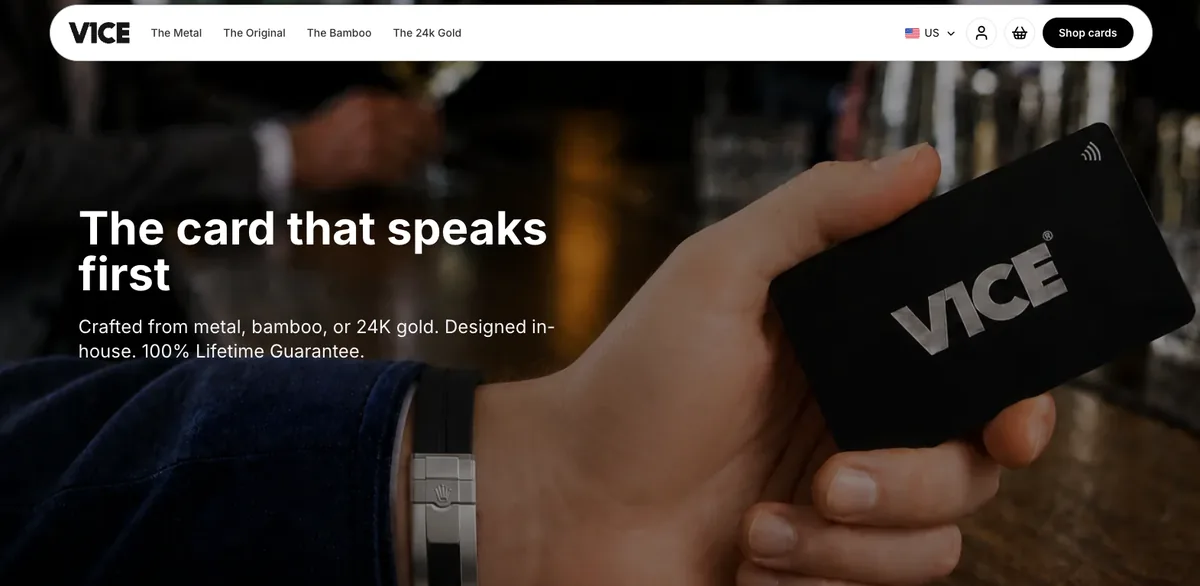
V1CE makes the nicest physical cards in this guide. Metal, bamboo, and a 24K gold plate option that's invitation-only. If the card itself is the point, V1CE wins on materials.
The software model is unusual. There are no tiers. One plan, £49.99 per month (roughly $66 to $67, and it floats with exchange rates), includes the card with lifetime replacements plus an AI networking assistant, CRM, booking, e-sign, and payments. V1CE positions it as replacing Calendly, DocuSign, and Stripe links. There's no free plan and no annual discount.
Check the review numbers against the source. V1CE's blog states "4.82 on Trustpilot from over 1,000 reviews." Trustpilot displays 4.4 from 1,092. The on-site widget showing 4.85 across 2,617 is vendor-hosted, not third-party. The gap comes from 62 one-star reviews in the Trustpilot distribution.
Key features: Metal, bamboo, and 24K gold cards · lifetime card replacements · Scout AI networking assistant · built-in booking, e-sign, and payments · custom domain
| Pros | Cons |
|---|---|
| Best physical card materials in the category | No free plan and no annual billing option |
| Flat rate includes card plus every feature | ~$66/mo is by far the highest price here |
| Replaces booking, e-sign, and payment tools | Only 6 G2 reviews |
| 1,092 Trustpilot reviews | Trustpilot score is 4.4, below their marketing claim |
| Lifetime replacements on the card | No SOC 2 or ISO claim published |
Pricing: No free plan, 30-day trial. Single plan £49.99/month, roughly $66 to $67 depending on exchange rate. No annual option, no tiers. Cards sold separately from $83 (Original), $115 (Bamboo), $152 (Metal), $454 (24K gold).
9. Dot
Best for: Individuals who want NFC without a subscription.
| Founded | 2020, out of the CREATE-X accelerator at Georgia Tech. Now Los Angeles |
| Funding | None disclosed |
| Ratings | 4.1 on Trustpilot across 965 reviews · 2.8 on the App Store across 13 ratings |
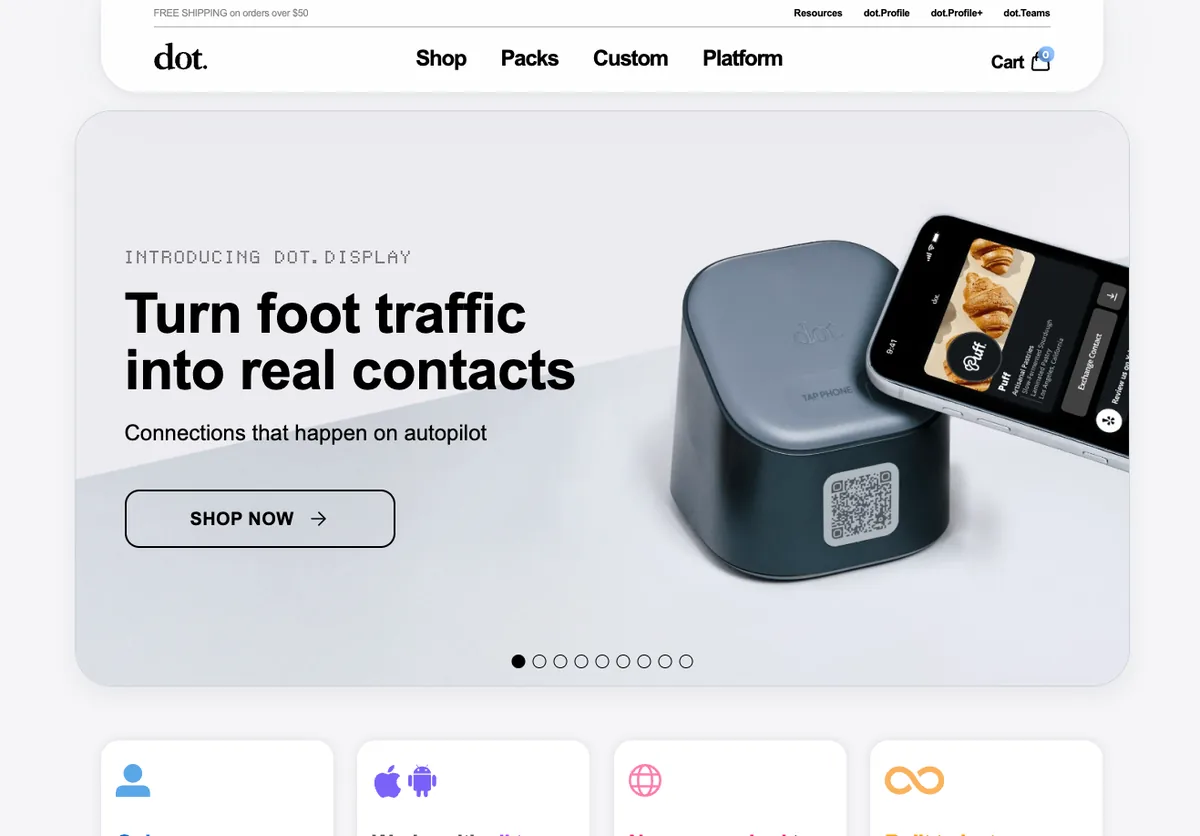
Dot is the simplest model here. Buy an NFC device once (card, sticker, or band, $30; metal $50), link it to your profile, and the profile is free for life. No subscription required.
For one person who wants tap-to-share and nothing else, that's a genuinely good deal. Nobody else offers a free-forever profile tied to a one-time hardware purchase.
The ceiling arrives fast. Free profiles show only the last 7 days of insights. Contact export, advanced insights, and branding removal need Profile+ at $12 to $15 a month, which erases the no-subscription advantage. CRM integration is Growth-tier only at $15 per member per month, annual billing, and there's no Android app at all.
Key features: One-time hardware purchase, free profile for life · 190+ themes free, 480+ on Profile+ · two-way contact exchange · Wallet support · AI paper card scanner on Profile+
| Pros | Cons |
|---|---|
| Free profile for life with a one-time device buy | No Android app |
| Devices start at $30 with no recurring cost | App Store rating is 2.8 across 13 ratings |
| Multiple form factors: card, sticker, band, metal | Free tier shows only 7 days of insights |
| 965 Trustpilot reviews | CRM needs the $15 Growth tier, annual only |
| Team plans include devices for every member | No security or compliance posture published |
Pricing: dot.Profile free for life with a device purchase. Profile+ $15/mo monthly or $12/mo annually ($144/yr). Teams Essential $8/member/mo annually, Growth $15/member/mo annually, both annual only. Devices $30 standard, $50 metal, $99.99 display.
Sharing Methods Compared
Every platform here supports QR codes and a shareable link. The differences are NFC, Wallet passes, and whether the recipient needs an app.
| Platform | QR | NFC Hardware | Apple/Google Wallet | Recipient Needs App | Paper Card Scanner |
|---|---|---|---|---|---|
| RepCard | Yes | Yes, sold separately | Yes | No | No |
| HiHello | Yes | No, use any NTAG215 tag | Yes | No | Yes, paid |
| Blinq | Yes | Yes, $19.99 to $60 | Yes | No | Yes, Premium |
| Wave Connect | Yes | Yes, $23 to $146 | Yes | No | No |
| Popl | Yes | Yes | Yes | No | Yes |
| Mobilo | Yes | Yes, $19.99 to $139 | Yes | No | Yes, on Pro |
| Uniqode | Yes, best customization | No | Yes | No | No |
| V1CE | Yes | Yes, $83 to $454 | Yes | No | No |
| Dot | Yes | Yes, $30 to $99.99 | Yes | No | Yes, Profile+ |
No platform in this guide makes the recipient download anything. If you find one that does, walk away. HiHello is the only one that deliberately doesn't sell hardware, which saves real money at scale.
CRM and Integrations Compared
CRM integration is the feature most often mispriced. Several platforms advertise it, then gate it behind a team plan with a seat minimum.
| Platform | Native CRMs | Cheapest Tier With CRM | Seat Minimum | Zapier |
|---|---|---|---|---|
| Wave Connect | HubSpot, Salesforce, Zoho, Pipedrive | $7/mo Pro (individual) | 1 | Yes |
| RepCard | HubSpot, Salesforce | Team tiers | 1 | Yes |
| Blinq | 20+ CRMs | $4.99/card Business | 5 cards | Yes |
| HiHello | Salesforce, HubSpot, Dynamics | $5/user Business | 5 | Limited |
| Popl | Salesforce, HubSpot | Not published | n/a | Yes, 5,000+ apps |
| Mobilo | None named | Zapier only, from $3 | 1 | Yes, 6,000 apps |
| Uniqode | Salesforce, HubSpot, Entra | Business+, custom | 50 | Yes |
| V1CE | Built-in CRM | £49.99 single plan | 1 | Limited |
| Dot | Yes, unspecified | $15 Growth | 1 | Limited |
The takeaway: Wave Connect is the only platform that gives an individual native CRM sync for $7 a month. Uniqode's 50-seat minimum makes CRM effectively unavailable to small teams. Mobilo names no native connector at all, so budget for Zapier.
Analytics Compared
Engagement data is what separates a digital card from a nicer-looking paper one. Most platforms paywall it.
| Platform | Free Tier Analytics | Paid Analytics Depth | Rep-Level Reporting | Lead Scoring |
|---|---|---|---|---|
| RepCard | Basic | Views, clicks, time on card, saves, scoring | Yes | Yes |
| Wave Connect | Advanced, included free | Team dashboards, lead tagging | Yes, Teams | No |
| Popl | Limited | Event-level, ROI, pipeline attribution | Yes | No |
| Blinq | No | Individual and team analytics | Yes, Business | No |
| HiHello | No | Card analytics on Professional | Yes, Business | No |
| Uniqode | 14 days only | Unlimited on Team | Limited | No |
| Mobilo | n/a, no free tier | Insights included from $3 | Yes | No |
| V1CE | n/a, no free tier | Included in single plan | Limited | No |
| Dot | Last 7 days only | Lifetime insights on Profile+ | Team tier | No |
Two standouts. Wave Connect is the only platform giving advanced analytics away free. RepCard is the only one converting engagement into lead scoring that then triggers follow-up automatically, which is a different job than reporting.
Sales Team Features Compared
This is where the platforms stop being comparable. Eight of the nine are digital business cards, some with contact enrichment attached. One is a sales platform that happens to lead with a card. If you're evaluating on per-seat price alone, this table is the context you're missing.
| Feature | RepCard | Blinq | Popl | HiHello | Wave | Mobilo | Uniqode | V1CE | Dot |
|---|---|---|---|---|---|---|---|---|---|
| Digital business card | Yes | Yes | Yes | Yes | Yes | Yes | Yes | Yes | Yes |
| Engagement tracking | Yes | Yes | Yes | Yes | Yes | Yes | Yes | Yes | Yes |
| CRM sync | Yes | Yes | Yes | Yes | Yes | Zapier | Yes | Yes | Yes |
| Contact enrichment | Yes | Yes | Yes | Yes | No | Yes | Yes | Yes | No |
| Automated follow-up sequences | Yes | No | No | No | No | No | No | Partial | No |
| Lead scoring from card behavior | Yes | No | No | No | No | No | No | No | No |
| Sales leaderboards | Yes | No | No | Team only | No | No | No | No | No |
| Sales competitions | Yes | No | No | No | No | No | No | No | No |
| Training library | Yes | No | No | No | No | No | No | No | No |
| Canvassing and territory | Yes | No | No | No | No | No | No | No | No |
| Team chat | Yes | No | No | No | No | No | No | No | No |
| Team calendar | Yes | No | No | No | No | No | No | No | No |
| Recruiting pipeline | Yes | No | No | No | No | No | No | No | No |
| Review and referral collection | Yes | No | No | No | No | No | No | No | No |
Every platform in this guide handles the top four rows. RepCard is the only one that handles the bottom ten.
That's the honest way to read the price difference. A $5 to $8 per-seat card app and a $24 per-seat sales platform aren't the same purchase. If you're a consultant who needs to hand someone your details, paying for canvassing routes and a training library makes no sense, and you should buy HiHello or Blinq.
But if you're running 30 field reps, look at what you're already paying for separately. Most home services sales orgs run a card tool, a training platform, a gamification or contest tool, a canvassing app, and a recruiting tracker. Five subscriptions, five logins, five bills, and no shared data between them. Price the stack, not the seat.
Free Plans Compared
Free plans vary more than any other dimension. Some are fully usable, some are demos.
| Platform | Cards | Key Limit | Analytics | Verdict |
|---|---|---|---|---|
| HiHello | 4 | 5 scans/month | No | Most generous |
| Wave Connect | 1 | Wave branding | Yes, advanced | Best free analytics |
| Blinq | 2 | No enrichment or export | No | Solid |
| RepCard | 1 | 30 smart notifications | Basic | Usable |
| Dot | 1 | Requires $30 device, 7-day insights | 7 days | Conditional |
| Uniqode | 1 | 5 leads total | 14 days | Near-demo |
| Popl | App-gated | Not published | Limited | Unclear |
| Mobilo | None | 90-day trial with card purchase | n/a | No free tier |
| V1CE | None | 30-day trial | n/a | No free tier |
If you want to try before you buy, start with HiHello or Wave Connect. Mobilo and V1CE require payment up front.
What Features Should a Digital Business Card Have?
A good digital business card captures data, triggers actions, and shows you what happened after the share. Six features separate the useful platforms from fancy contact pages.
1. Multiple sharing methods. QR, NFC tap, text, email, and direct link. NFC is fast in person. QR works from a stage or a booth. Text and email cover remote follow-ups. Wallet passes put the card one tap from the home screen.
2. Engagement tracking. Who viewed, when, how long, and which links they clicked. That tells you who to call first. Platforms without it leave you guessing.
3. CRM integration that isn't a Zapier workaround. Native connectors pass engagement data, not just contact fields. Check which tier it's on and whether there's a seat minimum, because that's where the real cost hides.
4. Team management. Centralized admin, consistent branding, bulk creation, role-based permissions. A platform built for individuals breaks the moment you scale it to 20 reps.
5. Professional design on any device. Custom branding, photo and video support, mobile-optimized layouts. A dated card undercuts the impression you're making.
6. Instant updates. Change a title or number once and every shared card updates. No reprinting.
How Much Do Digital Business Cards Cost?
Most digital business card platforms run $3 to $15 per user per month, with team tiers from $4 to $8 when billed annually. NFC hardware adds $19 to $150 per card. V1CE is the outlier at roughly $66 a month, and Popl publishes nothing.
Individual plans, cheapest to most expensive (annual billing):
| Platform | Monthly Billing | Annual Billing |
|---|---|---|
| Mobilo Pro | Not published | $3 |
| HiHello Professional | $8 | $6 |
| Uniqode Team | Annual only | $6 |
| Wave Connect Pro | $9 | $7 |
| Blinq Premium | $9.99 | $7.33 |
| Dot Profile+ | $15 | $12 |
| RepCard Premium | From $15 | From $12 |
| V1CE | £49.99 (~$66) | No annual option |
| Popl | Not published | Not published |
Watch the minimum seats. Advertised per-user team rates hide real floors. Blinq's $4.99 is a $24.95/month minimum (5 cards). HiHello's $5 is a $25/month minimum (5 seats). Wave's $5 is a $15/month minimum (3 seats). Uniqode's Business+ needs 50 users.
Watch the billing terms. Mobilo, Uniqode, and Dot Teams publish no monthly option at all. Their headline prices are annual commitments. V1CE is the reverse, monthly only with no annual discount.
NFC hardware, if you need it: Mobilo from $19.99, Blinq from $19.99, Wave from $23, Dot from $30, RepCard from $17.99, V1CE from $83. HiHello and Uniqode sell none. Deploying cards to 30 reps runs $500 to $2,500 depending on material.
Compare like for like. Eight of the nine platforms here are digital business cards. Their $5 to $8 team tiers buy you a card, sharing, and CRM sync. RepCard's team tiers buy a sales platform: the card plus automated follow-up, lead scoring, leaderboards, competitions, a training library, canvassing and territory management, team chat, and a recruiting pipeline. See the feature comparison for the full breakdown.
Most home services sales orgs are already paying for those separately, across four or five vendors that don't share data. The per-seat number only tells you something once you've counted the subscriptions it replaces. RepCard's pricing is built around that consolidation.
If all you need is a card, don't buy a sales platform. Buy HiHello or Mobilo and spend the difference elsewhere.
Are Digital Business Cards Worth It?
For teams, yes. No reprinting when a title changes, no manual contact entry after an event, and engagement data paper can't produce.
Start with waste. Ten billion paper cards get printed in the U.S. annually, about 88% are discarded within a week, and meeting that demand takes an estimated 7.2 million trees a year. Those figures come from the printing industry, not from digital card vendors.
Then the operational math. Every title change means a reprint on paper. On digital it's an edit. Every contact collected at an event gets typed into your CRM by hand unless the card does it.
The part paper can't touch is visibility. Knowing a prospect opened your card twice in the last day tells you to call now. That isn't a marginal improvement on a stack of cards in a drawer.
The market reflects it. The global digital business card market is projected to reach $317 million by 2030, growing near 10% a year.
For individuals, HiHello, Wave Connect, Blinq, and RepCard all have free plans. For teams, the benefits of digital business cards compound: faster follow-up, cleaner data, consistent branding, measurable engagement per rep.
NFC vs. QR Code: Which Is Better?
Use both. NFC moves contact info with a tap in under a second. QR makes the recipient open a camera and scan. Every platform in this guide supports both, so you're never locked in.
NFC is faster and smoother face to face. Tap the card to their phone and the info moves. No camera fumbling.
QR reaches further. Any smartphone camera can scan one. NFC needs the recipient's phone to support it, and most modern phones do, but not all. QR also works at distance: a slide, a booth banner, an email signature. NFC works within a few centimeters.
Worth noting from the review data: 529 Blinq G2 reviews mention QR code issues and 215 Popl reviews do too. Scanning reliability varies more in practice than the marketing suggests. Having NFC as a fallback matters.
For field sales, the scenario decides. Door-to-door reps get more from NFC's speed and the reaction at the door. Conference teams get more from QR on badges and booths. Platforms supporting both, like RepCard's NFC business cards which include QR as standard, give you the most room.
Don't choose on NFC or QR alone. Choose on what happens after the share.
How to Choose the Right Platform for Your Team
Individual rep or freelancer. HiHello for the 4-card free plan, or Blinq if you want the most polished experience. Both are free to start.
Solo rep who needs CRM sync. Wave Connect at $7 a month. It's the only platform that doesn't force you onto a team plan for native CRM.
Small sales team, 5 to 20 reps. Wave Connect for value with a 3-seat minimum. RepCard if you need follow-up automation and sales-specific features like leaderboards, competitions, and engagement scoring.
Larger field sales org, 20+ reps. RepCard. Centralized admin, territory assignment, rep-level analytics, and automated follow-up in one system instead of four.
Event-heavy teams. Popl for the badge scanner and enrichment, if you're fine getting pricing on a call.
Premium physical cards. V1CE for materials, Mobilo for CRM sync behind the hardware at a much lower price.
Tightest budget. Mobilo at $3 a month, or Wave Connect's free plan if you can't commit annually.
One person, no subscription. Dot. Buy a $30 device, keep the profile free forever.
The Bottom Line
The digital business card market is crowded and most platforms handle the basics fine. What separates them is what happens after the share.
If you're one person, HiHello's free plan or Blinq's polish will serve you well and cost you nothing to try. If budget is the binding constraint, Mobilo at $3 is hard to argue with.
For a sales team, the calculus changes. A card that captures a contact and stops there leaves the actual work to you: the follow-up, the prioritizing, the CRM entry, the coaching. That's the gap RepCard was built for. The card is step one of the workflow, not the end of it.
The teams closing more deals in 2026 aren't using prettier cards. They're using smarter ones. Book a RepCard demo and see how it works for your team.
About the Author

Brad Mortensen is the Founder and CEO of RepCard. He spent 11 years in door-to-door sales before building RepCard, starting out selling pest control in 115-degree Arizona heat and going on to lead field teams. He co-hosts The Booma Effect, a podcast covering the home services sales conversations nobody else will have.
Key Takeaways
- 1We evaluated 9 platforms on sharing, analytics, CRM, team management, design, and pricing
- 2RepCard is the best fit for field sales teams needing follow-up automation and rep-level analytics
- 3HiHello has the most generous free plan at 4 cards
- 4Blinq leads on reviews with 9,077 on G2 at 4.8, the most in the category
- 5Wave Connect is the only platform with native CRM sync on an individual plan at $7
- 6Mobilo has the cheapest paid tier at $3 per month, billed annually
- 7Watch seat minimums: advertised per-user rates often hide a $15 to $25 monthly floor
Frequently Asked Questions
It depends on your use case. For field sales teams, RepCard is the strongest option because it pairs digital cards with automated follow-up, engagement scoring, and team management in one platform. For individuals, HiHello offers the most generous free plan at four cards. For polish and proven scale, Blinq leads with 9,077 G2 reviews at 4.8 out of 5.
At minimum: multiple sharing methods (QR, NFC, text, email, link), engagement tracking so you can see who viewed your card, native CRM integration so contacts sync automatically, and instant updates so you never reprint. Teams also need centralized admin control, consistent branding across reps, and role-based permissions.
Individual plans run $3 to $15 per user per month, with Mobilo cheapest at $3 (annual only) and HiHello and Uniqode at $6. Team plans run $4 to $8 per user annually. V1CE is the outlier at £49.99 (roughly $66) monthly, and Popl publishes no pricing at all. NFC hardware adds $19 to $150 per card depending on material.
For most professional use, yes. Around 88% of paper cards are thrown away within a week, and every title or number change means a reprint. Digital cards update instantly, capture contact data automatically, and show you engagement data paper can't. Paper still matters when a physical object does, which is why NFC cards exist as a middle ground.
Most paid plans do, but check which tier and whether there's a seat minimum. Wave Connect offers native CRM sync on its $7 individual plan, the cheapest route for a solo rep. Blinq and HiHello gate CRM behind team tiers with 5-seat minimums. Uniqode requires 50 users. Mobilo names no native connector and routes through Zapier instead.
RepCard. Most platforms stop at capturing the contact. RepCard scores engagement based on how the prospect interacted with the card, then triggers automated text and email follow-up from that behavior. Managers get rep-level analytics, territory assignment, competitions, and training in the same system, which replaces three or four separate tools.
Yes, for the recipient. Every platform in this guide lets someone view and save your card in a browser with no download. The person sharing usually needs an app or web account to create and manage the card, but the recipient never does. Any platform requiring a recipient download is worth avoiding.
An NFC business card holds a small chip storing a link to your digital profile. Tap the card against a smartphone and the phone reads the chip and opens your profile in the browser. No app, no pairing, no scanning. It works within a few centimeters and takes under a second. Most modern smartphones read NFC by default. HiHello is notable for letting you write your card to any blank NTAG215 tag instead of buying branded hardware.
Related RepCard Features
Related Articles
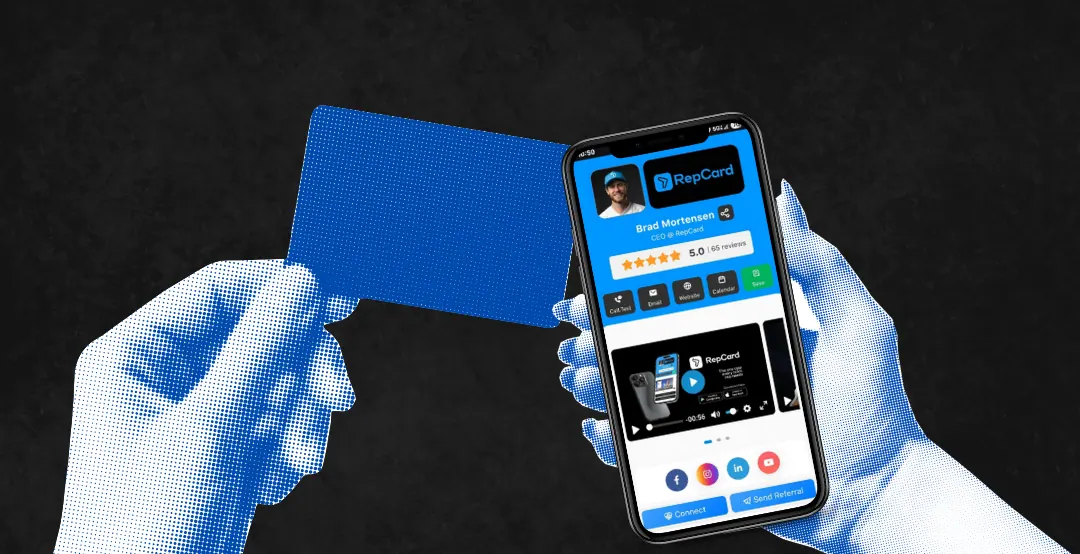
14 Benefits of Digital Business Cards for Door-to-Door Sales Teams
Paper cards get trashed within a week. See 14 ways digital business cards help D2D reps capture leads, automate follow-up, and close more deals.
Read more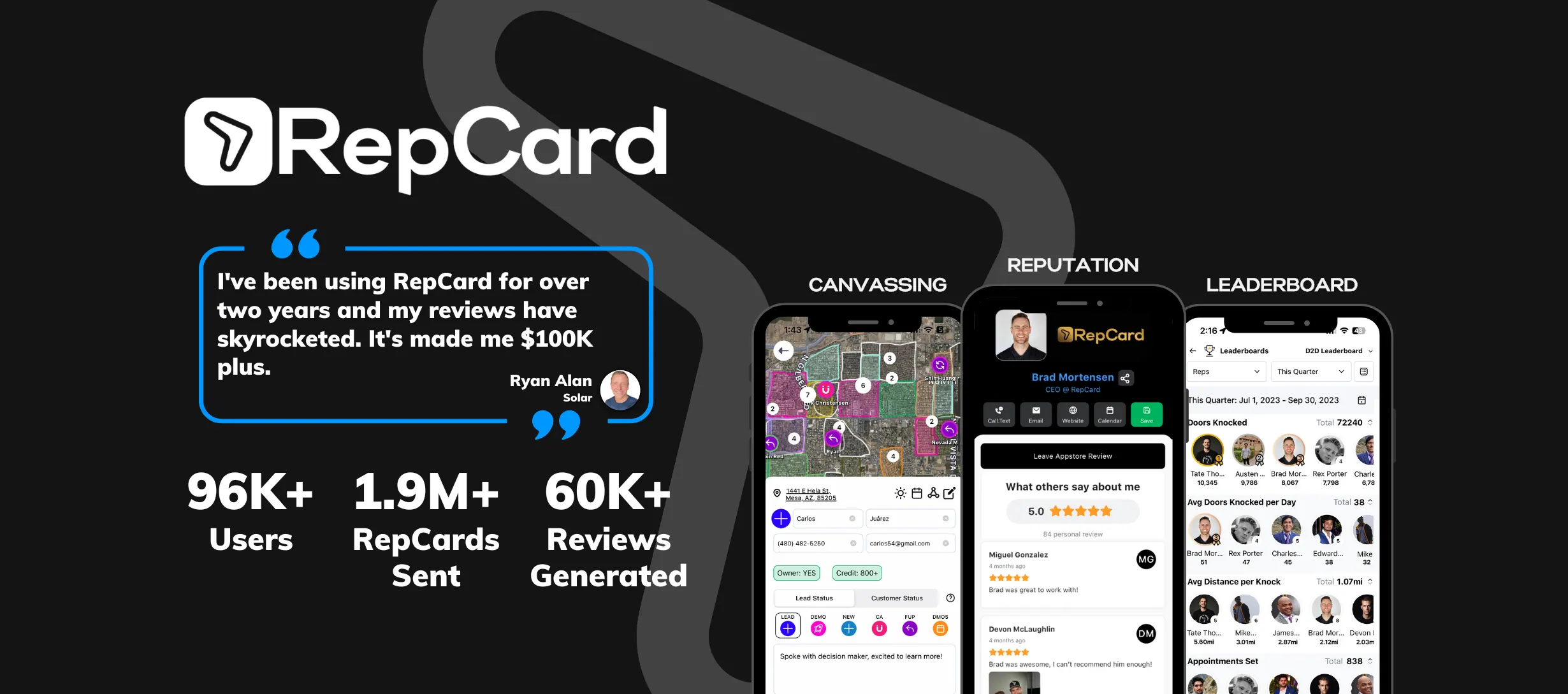
The Best Digital Business Card App
Looking for the best digital business card app? This comprehensive guide breaks down what to look for and why RepCard leads the pack for sales professionals.
Read more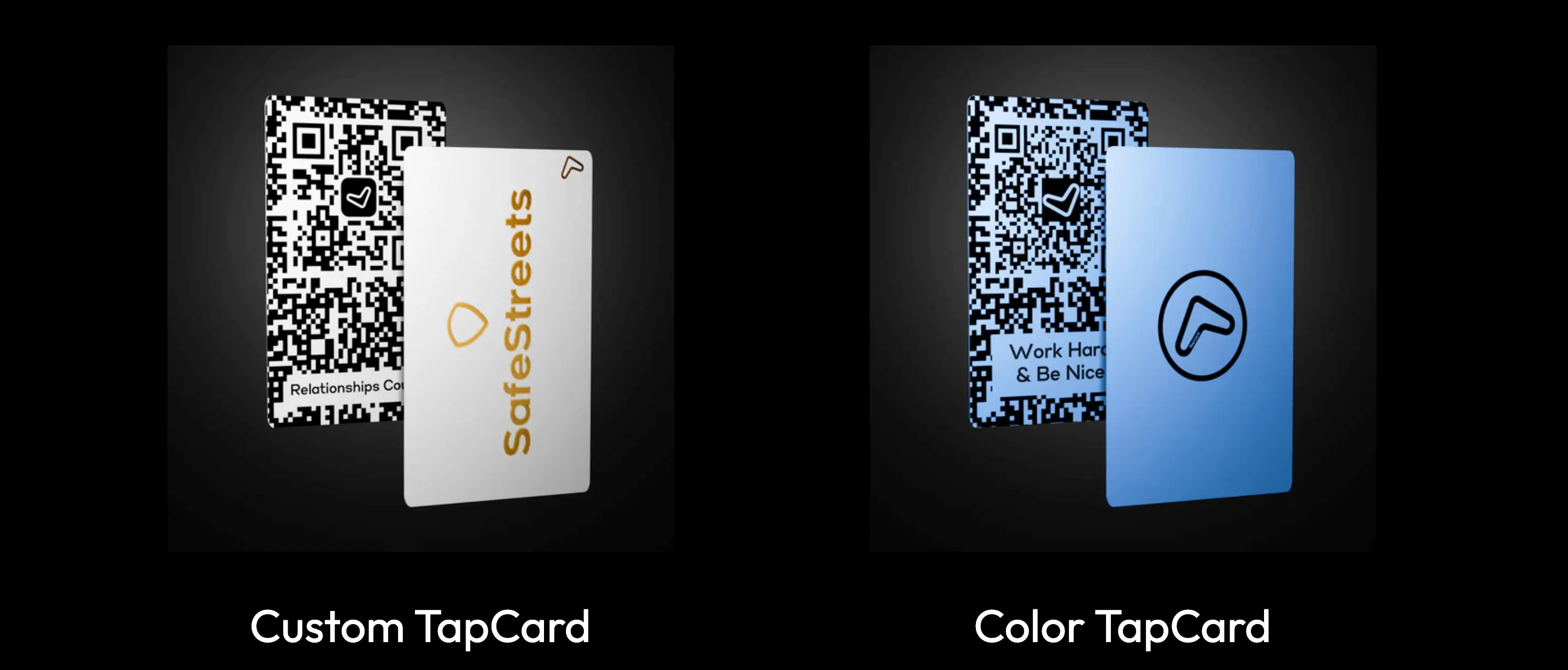
NFC Business Cards with QR Codes
Combine the power of NFC tap technology with QR code backup for the ultimate networking solution. Learn how these technologies work together.
Read more