TL;DR
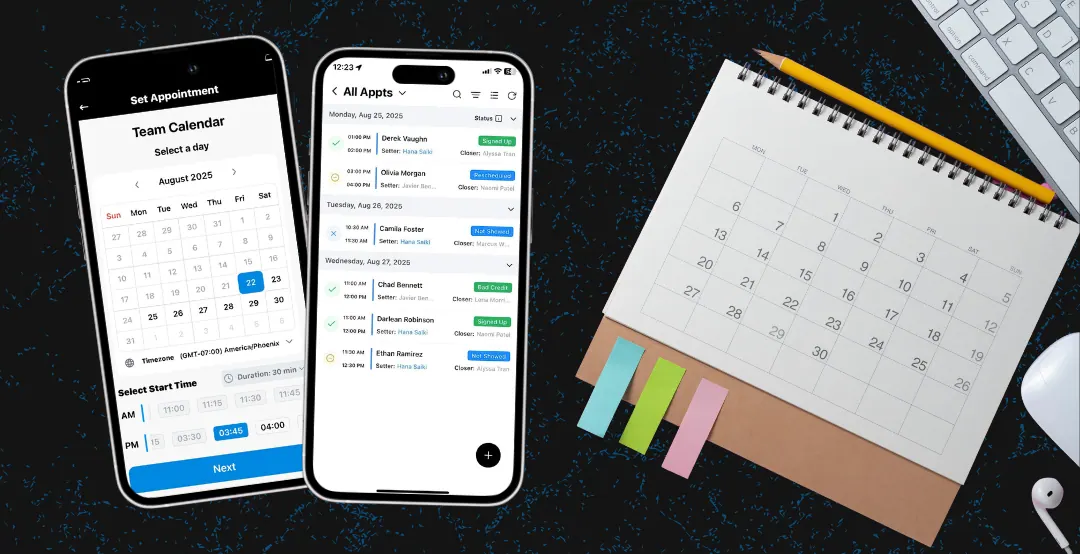
The best scheduling apps offer self-booking, team scheduling, CRM integration, mobile access, and automated reminders to eliminate phone tag and close more deals.
TL;DR
The best calendar scheduling apps for sales offer easy prospect booking, team scheduling features, CRM integration, and mobile accessibility.
Why Scheduling Apps Matter for Sales
Time spent scheduling is time not spent selling:
- Average sales rep spends 2+ hours/week scheduling
- Phone tag leads to lost deals
- Double-bookings damage credibility
- Manual scheduling creates friction
The right app eliminates these problems.
Essential Features for Sales Scheduling
1. Prospect Self-Booking
Let prospects book directly:
- Shareable booking links
- Embed on your digital business card
- Available times based on your calendar
- Automatic confirmations
2. Team Scheduling
For setter/closer models:
- Round-robin assignment
- Load balancing across team
- Team calendar visibility
- Automated hand-offs
3. CRM Integration
Connect with your sales stack:
- Automatic contact creation
- Meeting notes synced to contact record
- Pipeline stage updates
- Activity tracking
4. Mobile Access
Schedule on the go:
- Book from the field
- Receive mobile notifications
- Quick rescheduling
- Offline access
5. Reminder Automation
Reduce no-shows:
- Email reminders
- SMS reminders
- Custom reminder timing
- Easy reschedule options
Top Scheduling Apps Compared
Calendly
Best for: Individual reps
- Simple setup
- Many integrations
- Free tier available
- Limited team features on basic plans
RepCard Team Calendar
Best for: Field sales teams
- Built into your sales platform
- Setter/closer workflows
- Team visibility and coordination
- Integrated with canvassing
HubSpot Meetings
Best for: HubSpot CRM users
- Free with HubSpot
- Deep CRM integration
- Group meeting booking
- Limited standalone use
Chili Piper
Best for: Enterprise sales
- Advanced routing
- Real-time availability
- Lead qualification
- Higher price point
Choosing the Right Solution
Consider:
- Team size: Individual vs. team features
- Sales model: 1-call close vs. setter/closer
- Current stack: What else do you use?
- Budget: Free vs. paid tiers
- Field vs. office: Mobile needs
Maximizing Your Scheduling App
For Individual Reps
- Add booking link to your digital business card
- Include in email signatures
- Share after every conversation
- Set buffer time between meetings
For Managers
- Set up round-robin for lead distribution
- Monitor booking patterns
- Ensure team calendar visibility
- Track no-show rates
Getting Started
- Choose an app that fits your workflow
- Connect to your calendar
- Set up availability
- Create booking links
- Add to your digital card and communications
- Monitor and optimize
Stop playing phone tag. Let prospects book directly and watch your appointment rates climb.
Key Takeaways
- 1Self-booking eliminates phone tag
- 2Team scheduling supports setter/closer models
- 3CRM integration keeps data synchronized
- 4Automated reminders reduce no-shows
- 5Add booking links to your digital business card
Frequently Asked Questions
The best scheduling app depends on your needs: Calendly for individuals, RepCard for field sales teams, HubSpot for CRM-integrated scheduling, and Chili Piper for enterprise sales.
Scheduling apps save time by eliminating phone tag, reduce no-shows with automated reminders, increase professionalism with easy booking, and integrate with CRMs for seamless tracking.
Related RepCard Features
Related Articles
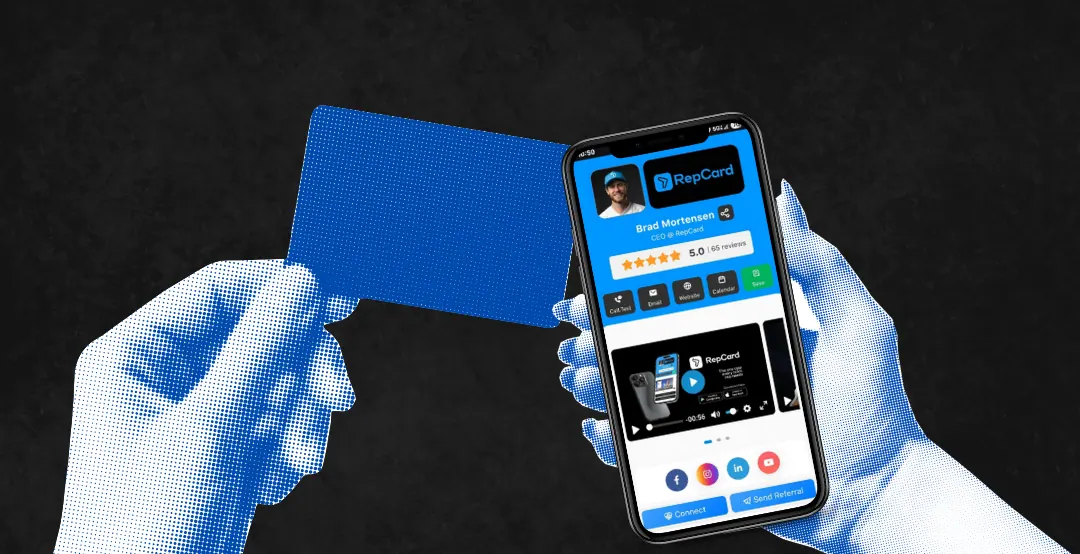
14 Benefits of Digital Business Cards for Door-to-Door Sales Teams
Paper cards get trashed within a week. See 14 ways digital business cards help D2D reps capture leads, automate follow-up, and close more deals.
Read more
Best Contact Management Software for Sales
Stop losing leads to disorganized contact management. Compare the best contact management solutions for sales teams and learn what features matter most.
Read more
Sales follow-up strategy for door-to-door teams (2026)
Speed to lead, not touch count, decides whether door-to-door deals close. A modern D2D follow-up cadence, the real research behind response time, and how to track whether your reps actually run it.
Read more